During XP Setup, it asks for your name and organization. However, one or both of these may change, so here is how to change them:
Note: As always, you should backup the Registry (
tutorial) first before editing.
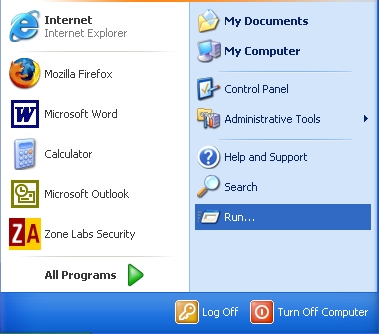
1. Click on the Start Button and click Run
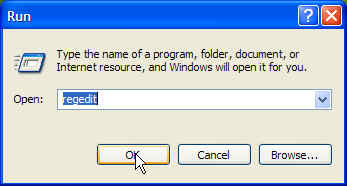
2. Type regedit and click OK
3. Expand
HKEY_LOCAL_MACHINE and
Software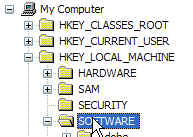
4. Expand
Microsoft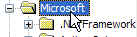
5. Expand
Windows NT and click on
Current Version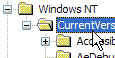
6. Right-click on
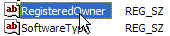
RegisteredOwner and click Modify. Then, type the desired name and click OK.
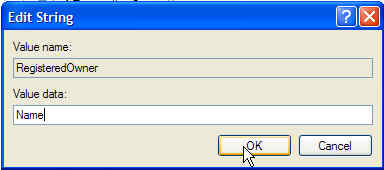
7. Right-click on RegisteredOrganization and click Modify, and type the organization, if desired. Click OK when you are finished.
8. Close the Registry